Connect Everything: Xero, Stripe, Google, and Beyond

Your tools already work
You don’t need better accounting software. Xero works. You don’t need a new payment processor. Stripe works. Your calendar, your email, your booking channels — they all work fine individually.
The problem is none of them talk to each other.
A booking comes in on Airbnb. You copy the details into a spreadsheet. You open Xero, create a contact, build an invoice, categorise the income. You check your calendar, block the dates. You send a confirmation email. Twenty minutes gone, and you haven’t done anything that a computer shouldn’t be handling automatically.
This is the gap Airflow fills. Not by replacing your tools, but by connecting them.
The middleware approach
We’ve written about this in detail in our Airflow Is Not a PMS post, but the short version: Airflow is a thin, intelligent layer that sits between your existing tools and makes data flow between them. You keep what works. We handle the plumbing.

This means fewer tools to learn, lower switching costs, and no vendor lock-in. If you want to move from Xero to QuickBooks next year, you change one connection. Your booking data, your guest records, your history — it all stays in Airflow.
Here’s what’s connected today and what’s coming next.
Xero: two-way accounting sync
This is the integration most of our users connect first, and for good reason. The booking-to-invoice pipeline is where the most manual time gets burned.
Here’s what Airflow does with Xero:
Automatic draft invoices. When a booking is processed, Airflow creates a draft invoice in Xero with the correct line items, amounts, tax treatment, and contact details. Not a rough estimate — an accurate, reconciliation-ready invoice that matches the booking confirmation exactly.
Contact management. Guests and customers are synced as Xero contacts. If a returning guest books again, Airflow finds the existing contact rather than creating duplicates.
OAuth with auto-refresh. The connection uses OAuth 2.0 with automatic token refresh every 20 minutes. No API keys to manage, no tokens expiring at awkward moments. Connect once, and it stays connected.
Multi-currency support. If your bookings come in different currencies, the invoices reflect that. Airflow stores all values in USD internally but creates invoices in the booking currency, letting Xero handle the conversion at its end.
Two-way visibility. Airflow reads from Xero to avoid duplicates and writes back to keep your books accurate. The goal is that your accountant never has to ask where a number came from.
The result: a booking confirmation email arrives, AI Flow extracts the data, and a draft invoice appears in Xero within minutes. No manual entry. No copy-paste errors. No reconciliation headaches at month-end.
Stripe: payments end-to-end
Stripe powers the payment layer for both Airflow’s own billing and — through Stripe Connect — direct payments for your business.
Stripe Connect. Your customers can pay you directly through Stripe, with funds going to your connected Stripe account. Airflow takes a 5% platform fee, and you get the rest deposited directly. No invoicing back and forth, no chasing payments.
Customer portal. Subscribers can manage their billing — update payment methods, view invoices, change plans — through Stripe’s hosted customer portal. One less thing for you to build or support.
Webhook pipeline. Stripe events (successful payments, failed charges, subscription changes) flow into Airflow in real time via webhooks. This means your booking records and action balances update the moment something happens, not when you next check.
Secure by design. All payment processing happens through Stripe’s PCI-compliant infrastructure. Airflow never sees or stores card numbers. Your financial data stays where it should.
Google: the next big connection
Google integration is in active development. When it ships, a single OAuth consent screen will unlock multiple services:
Gmail for outbound email. Send booking confirmations, guest communications, and notifications from your own email address — not from a generic noreply. Your brand, your domain, your inbox.
Google Calendar for two-way sync. Push bookings from Airflow to Google Calendar so your team sees availability at a glance. Pull calendar blocks back into Airflow so manual holds and personal events are respected. No double-bookings.
Google Sheets for report exports. Need to pull booking data into a spreadsheet for your accountant or business partner? One-click export to a Google Sheet that stays current.
One OAuth flow, multiple scopes. Connect once, unlock everything.
PayPal Commerce: framework ready
For businesses whose customers prefer PayPal, we’ve built the integration framework using PayPal’s Partner Referral API. Merchant onboarding, OAuth callbacks, and the payment pipeline are architected and ready. This one’s waiting for demand signals before we prioritise the final production push — if PayPal matters to your business, tell us.
Mailgun: the email backbone
Email isn’t just a notification channel for Airflow. It’s a core data pipeline.
Inbound processing. Forward a booking confirmation to your Airflow address, and Mailgun receives it, passes it to our AI extraction engine, and the booking enters your system. This is the simplest integration we offer: no API keys, no OAuth dance, no setup wizard. Just forward an email.
Outbound notifications. Welcome emails for new users, magic link authentication, low-action alerts, booking confirmations — all delivered through Mailgun’s EU endpoint for GDPR compliance and deliverability.
Custom domain support. Emails come from your domain, not ours. Professional, branded, trustworthy.
Email-first: the integration anyone can set up
This is worth emphasising because it’s unusual. Most SaaS platforms require you to connect via API keys, OAuth flows, or third-party middleware like Zapier. Those work, and we support them where they make sense.
But the fastest way to get data into Airflow is to forward an email.
Booking confirmation from Airbnb? Forward it. Reservation email from Booking.com? Forward it. Invoice from a supplier? Forward it. Airflow’s AI extraction handles the rest — parsing the email, identifying the booking details, structuring the data, and pushing it downstream to your connected services.

No technical setup. No permissions to configure. If you can forward an email, you can use Airflow.
Connection management
Every integration is managed from your organisation settings in the Airflow portal. Each connection shows:
- Status indicators — connected, disconnected, needs re-authentication
- Last sync timestamp — when data last flowed successfully
- Connect/disconnect controls — one-click management, no hidden settings
- Re-auth flows — if a token expires or permissions change, reconnect without losing your data
We designed this to be boring. You shouldn’t have to think about your integrations. They should just work. And when they need attention, it should be obvious what to do.
The automation pipeline
Here’s the full happy path, from email to reconciliation:
- Email arrives — a booking confirmation lands in your forwarding inbox
- AI extraction — Airflow’s AI Flow parses the email and extracts structured booking data
- Data normalisation — guest details, dates, amounts, fees, and taxes are standardised
- Xero draft invoice — a complete invoice is created with correct line items and contacts
- Calendar update — the booking appears in your Airflow calendar (and soon, Google Calendar)
- Reconciliation ready — when the payout arrives in your bank, the invoice is waiting in Xero
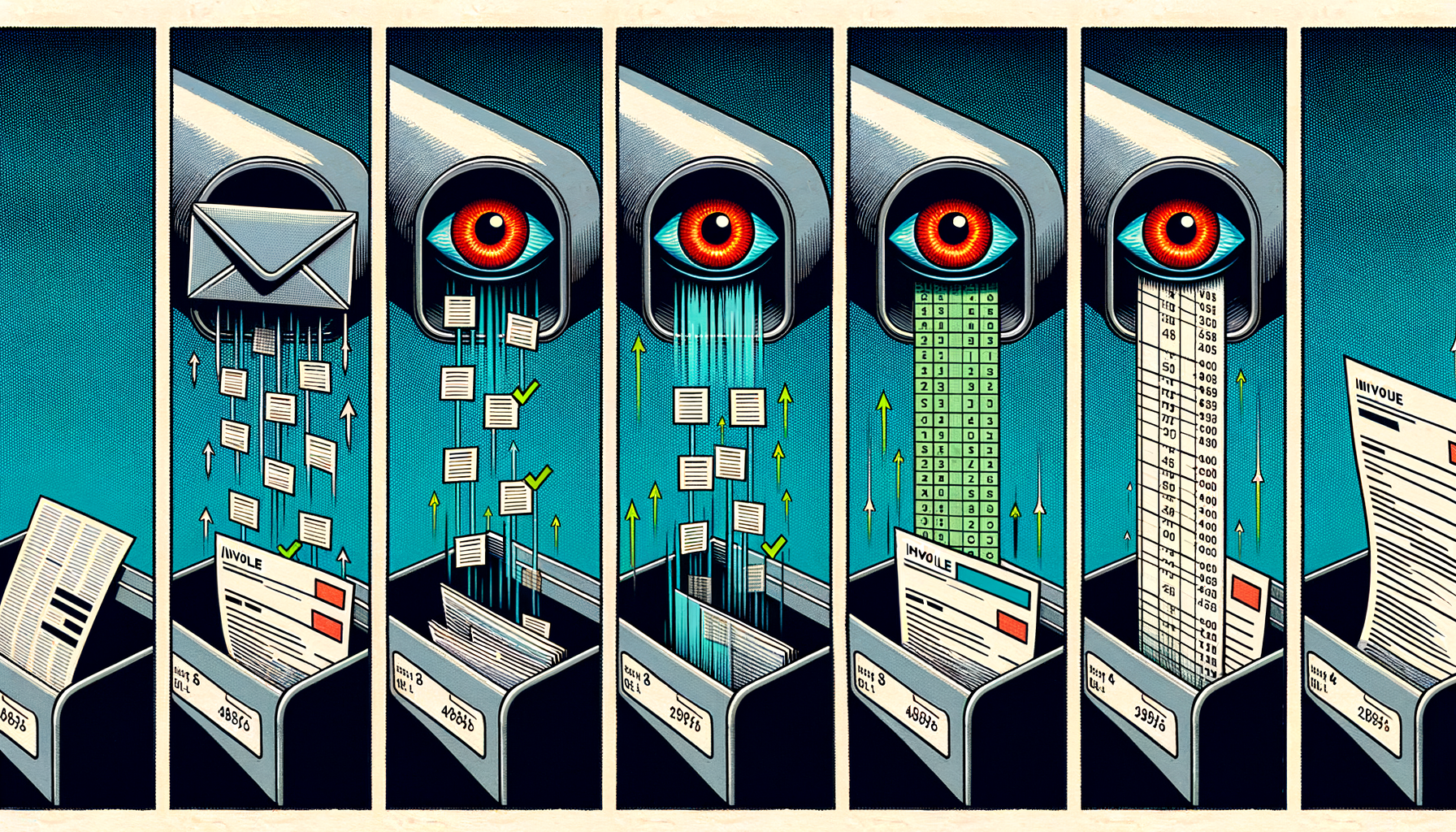
Zero manual steps in the happy path. The entire pipeline runs in minutes, not days. And because every step produces deterministic output — not “best guess” approximations — you can trust the data without checking every record.
What’s next
We’re actively building improvements to the integration layer:
- Google Calendar two-way sync — the highest-requested integration feature
- Xero re-auth UI improvements — smoother reconnection when tokens expire
- More accounting providers — QuickBooks and FreshBooks are on the radar
- Deeper Stripe reporting — revenue dashboards that pull from your Stripe data
Connect your first integration
If you’re spending time manually copying data between tools, that time has a cost. Airflow eliminates it by connecting the tools you already use.
Start with one integration. Most users begin with Xero, because that’s where the biggest time savings are. Forward your first booking email. Watch the invoice appear. Then decide if you want to connect more.