Your Money, Every Currency: How Airflow Handles Multi-Currency Bookings

The currency nightmare
If you take bookings from international guests, you already know this pain. An Airbnb booking comes in at EUR 1,200. Your bank account is in GBP. Your accountant does everything in USD. Booking.com pays you in a different currency again.
Now multiply that by 30 bookings a month across three platforms. You’re juggling exchange rates, manually converting amounts in spreadsheets, and praying that your month-end numbers actually add up.
Most booking tools store everything in one currency. That means either your original booking amounts are wrong, your reports are wrong, or your accounting exports are wrong. Pick your poison.

We built Airflow’s currency model to eliminate all three problems.
The three-layer currency model
Every financial amount in Airflow exists in up to three layers. Each layer serves a different purpose, and none of them interfere with each other.
Layer 1: Original currency
This is exactly what was charged or paid. A EUR 1,200 booking stays EUR 1,200. A USD 85 cleaning fee stays USD 85. We never modify the original amount — it’s the source of truth for what actually happened on the platform.
This matters because when you need to reconcile against your Airbnb or Booking.com statements, the numbers need to match exactly. No rounding differences, no conversion artefacts. The original is the original.
Layer 2: Standard currency (USD)
For aggregation and reporting, every amount is also stored in USD. This is the canonical layer — the one that makes your dashboard numbers meaningful.
Without a standard currency, you can’t answer simple questions like “what was my total revenue last month?” when bookings came in across EUR, GBP, AUD, and THB. You’d be adding apples to oranges.
USD standardisation means your stats, charts, and reports always aggregate cleanly. Total revenue, average booking value, platform comparison — all calculated from a single consistent base.
Layer 3: Accounting currency
This is whatever currency your accounting software uses. If your Xero org is set to GBP, invoices export in GBP. If it’s AUD, they export in AUD.
The accounting layer converts from the standard USD amount to your accounting currency, ensuring that what lands in Xero or QuickBooks matches your chart of accounts and tax reporting requirements.
How conversion works at ingest
When a booking email arrives and the AI extracts the financial data, the conversion happens immediately:
- Original amount captured — EUR 1,200 (from the booking email)
- Market FX rate fetched — EUR/USD rate at time of processing
- Standard amount calculated — USD 1,308.00
- Accounting amount calculated — GBP 1,044.00 (using USD/GBP rate)
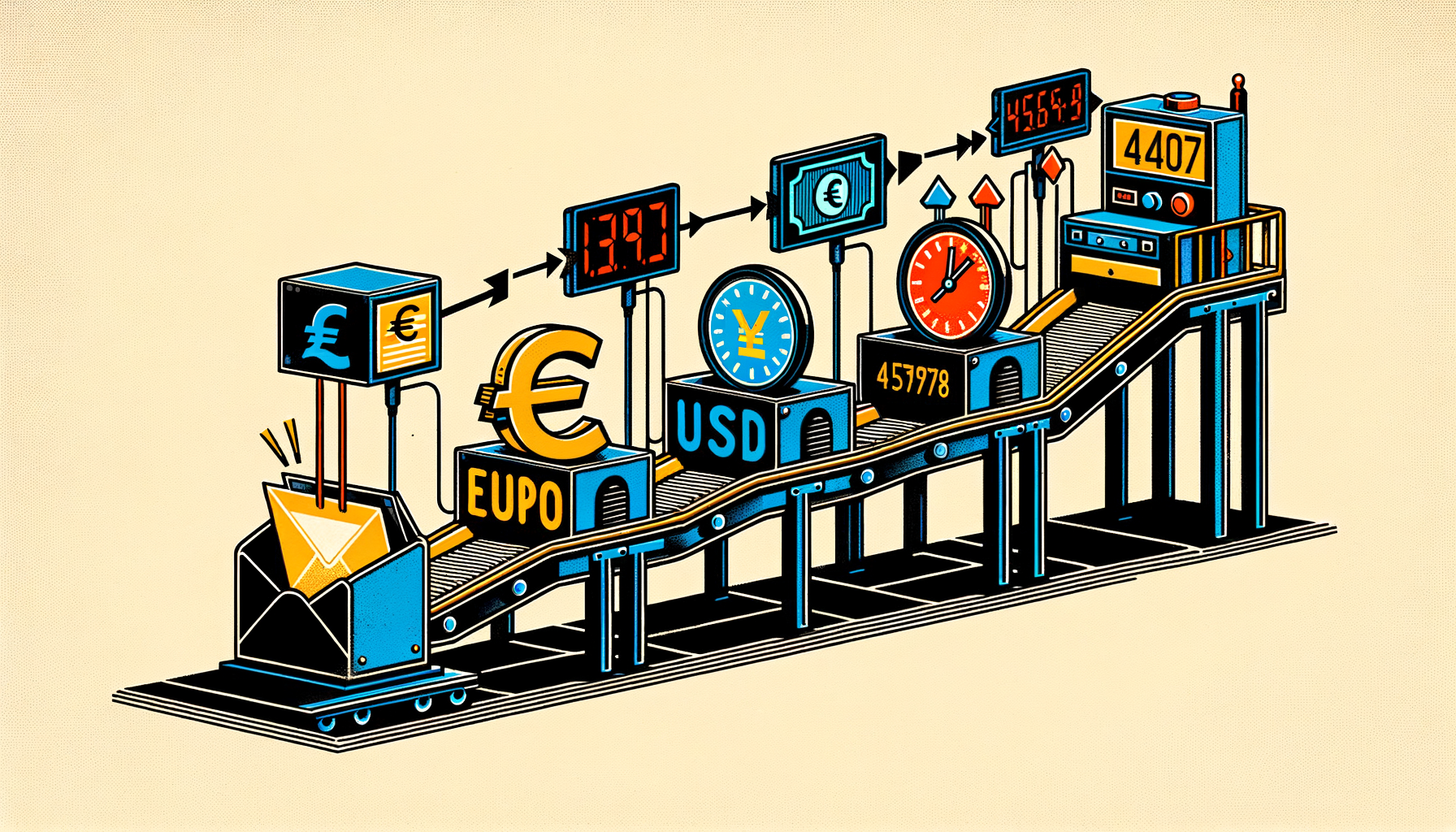
Each conversion stores the exchange rate used, the source of that rate, and the exact timestamp. Full audit trail. No guessing what rate was applied three months later.
The flow in practice
Here’s what a single booking looks like across all three layers:
| Component | Original (EUR) | Standard (USD) | Accounting (GBP) |
|---|---|---|---|
| Accommodation | EUR 1,200.00 | USD 1,308.00 | GBP 1,044.00 |
| Cleaning fee | EUR 80.00 | USD 87.20 | GBP 69.60 |
| Platform fee | -EUR 180.00 | -USD 196.20 | -GBP 156.60 |
| Host payout | EUR 1,100.00 | USD 1,199.00 | GBP 957.00 |
Every row preserves its original EUR value for reconciliation. Every row aggregates correctly in USD for reporting. Every row exports correctly in GBP for your accountant.
Display currency preference
Your Airflow dashboard shows amounts in whichever currency you prefer. If you’re based in the UK and think in pounds, set your display currency to GBP. If you prefer euros, set it to EUR.
This is purely a display preference — it doesn’t change any stored data. The three layers remain intact. You’re just choosing which lens to view your numbers through.
Switch it anytime. No recalculation needed.
FX overrides for reconciliation
Here’s where we get honest about a real-world problem: the exchange rate your bank applies is almost never the same as the market rate at time of ingest. Banks add margins. Payment processors have their own rates. The payout that hits your account might differ from the calculated amount by a few pounds.
Airflow supports FX overrides for exactly this situation. When you reconcile and notice the bank amount differs, you can adjust the accounting-layer amount to match what actually arrived. The original and standard amounts stay untouched — only the accounting layer shifts to match reality.

This means your accounting records match your bank statement, your reports stay consistent in USD, and the original booking data remains pristine.
What we don’t do
A note on honesty: Airflow uses market exchange rates captured at the time of ingest. These are not live rates — they’re point-in-time snapshots. If you process a booking on Monday and the rate moves on Tuesday, the stored rate doesn’t change.
For most booking businesses, this is more than accurate enough. The difference between the market rate at 10am and 2pm on the same day is negligible. But if you need live, second-by-second FX rates for financial trading purposes, that’s not what this is.
We also don’t currently support custom base currencies for the standard layer — it’s USD. This keeps aggregation simple and consistent across all accounts. Your display currency and accounting currency can be anything, but the canonical middle layer is always USD.
Why this matters for your business
Multi-currency isn’t a nice-to-have for international booking businesses. It’s a compliance requirement. Your tax authority wants amounts in your local currency. Your accountant wants consistent records. Your bank statement is in whatever currency your account uses.
Without a proper currency model, you end up with one of these problems:
- Spreadsheet city — manual FX lookups and conversion formulas for every booking
- Rounding errors — small discrepancies that compound over hundreds of bookings
- Audit risk — inability to trace back from an accounting entry to the original booking amount
- Reporting chaos — dashboard numbers that mix currencies and mean nothing
Airflow’s three-layer model solves all four. Original for reconciliation, standard for reporting, accounting for export. Clean, traceable, automatic.
Stop doing currency math in your head
If you’re currently converting EUR to GBP on Google before typing numbers into Xero, there’s a better way. Forward the booking email, and Airflow handles the rest — extraction, conversion, categorisation, and accounting sync. In every currency, at every layer.