Security First: How We Passed a 27-Point Code Audit

Building fast is important. Building secure is non-negotiable.
Before opening Airflow to more users, we needed to answer a simple question: is this thing actually safe?
Not “probably safe.” Not “safe enough for now.” Actually safe — every page, every edge function, every piece of user-rendered content. The kind of safe where you can look a customer in the eye and tell them their booking data, their revenue numbers, and their guest information are locked down properly.
So we ran a full security audit. Not a quick scan or an automated tool. A manual, line-by-line review across the entire codebase — portal pages, edge functions, and the public website. The audit flagged 27 findings. We resolved all 27.
Here’s what we found, what we fixed, and why it matters.
The audit: 27 findings, zero left open
The audit was conducted by KEVIN, our dedicated code review agent, who crawled every file in the Airflow codebase with a single mandate: find everything that could go wrong. No false positives dismissed, no “we’ll fix it later” items deferred.
The 27 findings broke down into four categories: authentication hardening, XSS protection, infrastructure cleanup, and code quality. Some were critical. Some were housekeeping. All of them got resolved in the same sprint.
Authentication hardening
This is where the serious work happened.
SHA-256 token hashing. Airflow uses magic links for authentication — more on why below. Every magic link token is now hashed with SHA-256 before storage. If someone somehow accessed our token table, they’d find a list of irreversible hashes, not usable tokens.
Sliding window session refresh. Sessions have an 8-hour TTL with a 5-minute re-validation window. This means your session stays alive while you’re actively using the portal, but goes stale quickly when you walk away. It’s the difference between “stay logged in forever” (dangerous) and “stay logged in while you’re working” (practical).
Server-side logout revocation. When you log out, it’s not just your browser forgetting a cookie. The session is revoked server-side, immediately. Even if someone copied your session data before you logged out, it’s dead the moment you click that button.
XSS protection
Cross-site scripting is one of those vulnerabilities that feels theoretical until it isn’t. A malicious string in a guest name, a booking note, or a property description could execute arbitrary code in another user’s browser.
Centralized escapeHtml(). We built a single, shared escapeHtml() function and applied it across every instance where user-provided content is rendered. Not some instances. Every instance. One function, one pattern, no exceptions.

Event listener migration. Inline onclick handlers were replaced with delegated event listeners across the portal. This isn’t just cleaner code — it removes an entire class of injection vectors where script could be embedded in HTML attributes.
Infrastructure cleanup
This category had the most items and the least drama. It’s the kind of work that doesn’t make for exciting reading but prevents real problems.
Centralized Supabase configuration. We found hardcoded anonymous keys scattered across multiple files. Every one of them now pulls from a single configuration source. One place to rotate keys, one place to audit access.
Diagnostic endpoints removed. During development, we’d left a handful of diagnostic and debug endpoints accessible. They didn’t expose sensitive data, but they had no business existing in production. Gone.
Dev and test pages purged. Seven pages that existed for development and testing purposes were still reachable in the production build. None of them were linked from navigation, but they were there if you knew the URL. Removed.
Cache-busting implemented. 36 pages across the portal now include proper cache-busting parameters on static assets. This prevents browsers from serving stale JavaScript after a security update — which is exactly the scenario where you need users to get fresh code immediately.
Code quality
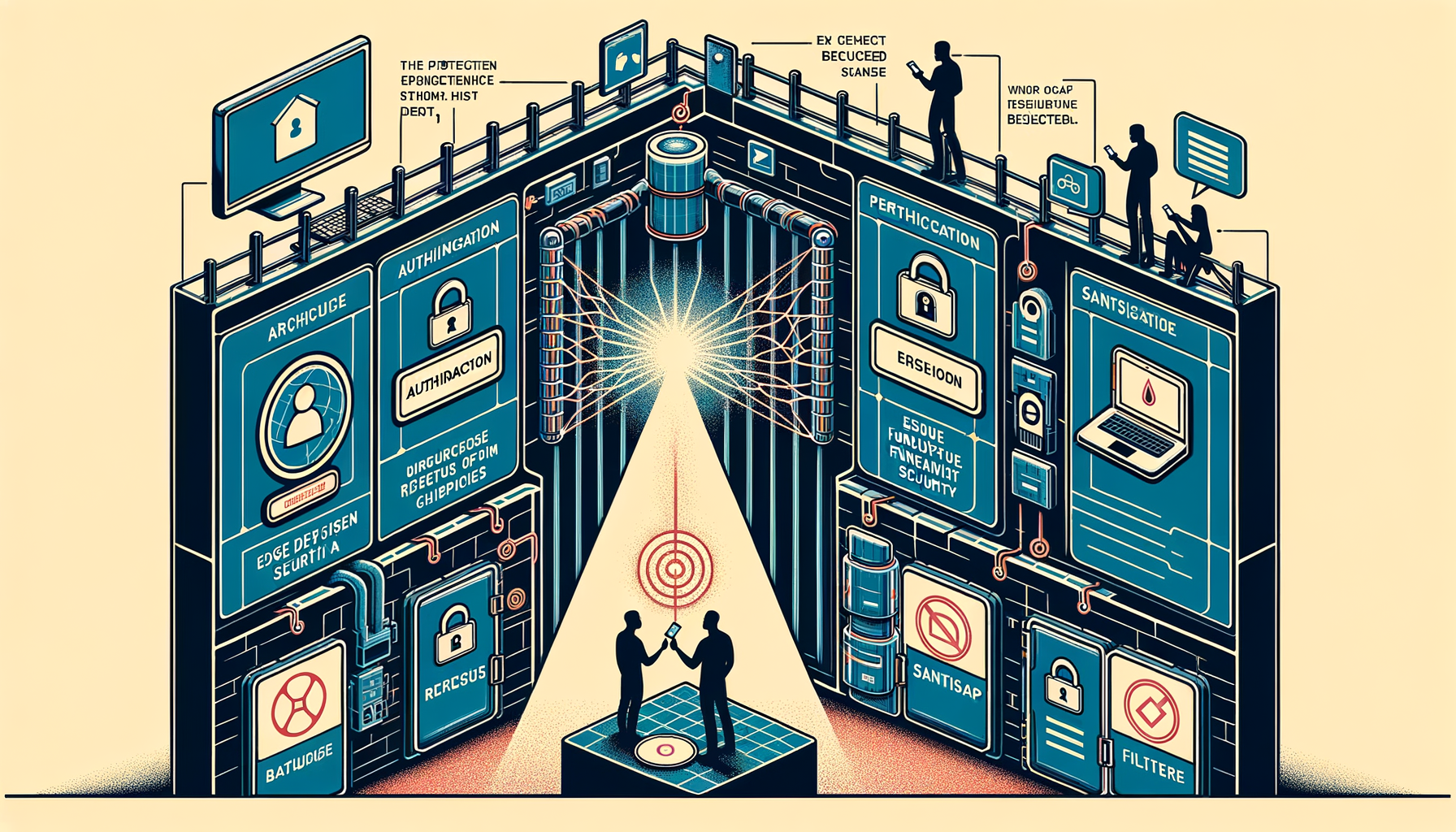
Edge function migration. Every direct Supabase REST call from the client was moved behind edge functions. The client never talks to the database directly. Every request passes through a server-side function that validates authentication, checks permissions, and sanitizes input before touching the database.
Dead code removal. Unused functions, abandoned components, and orphaned imports were stripped out. Less code means less surface area. Less surface area means fewer places for things to go wrong.
CSS block fixes. Unclosed CSS blocks were identified and fixed. Not a security issue in isolation, but malformed CSS can cause rendering inconsistencies that mask UI elements — including security-relevant UI like permission warnings or session indicators.
Why magic links instead of passwords
This deserves its own section because it’s a deliberate architectural choice, not a shortcut.
Airflow uses magic links for all authentication. No passwords. No password database. Here’s why:
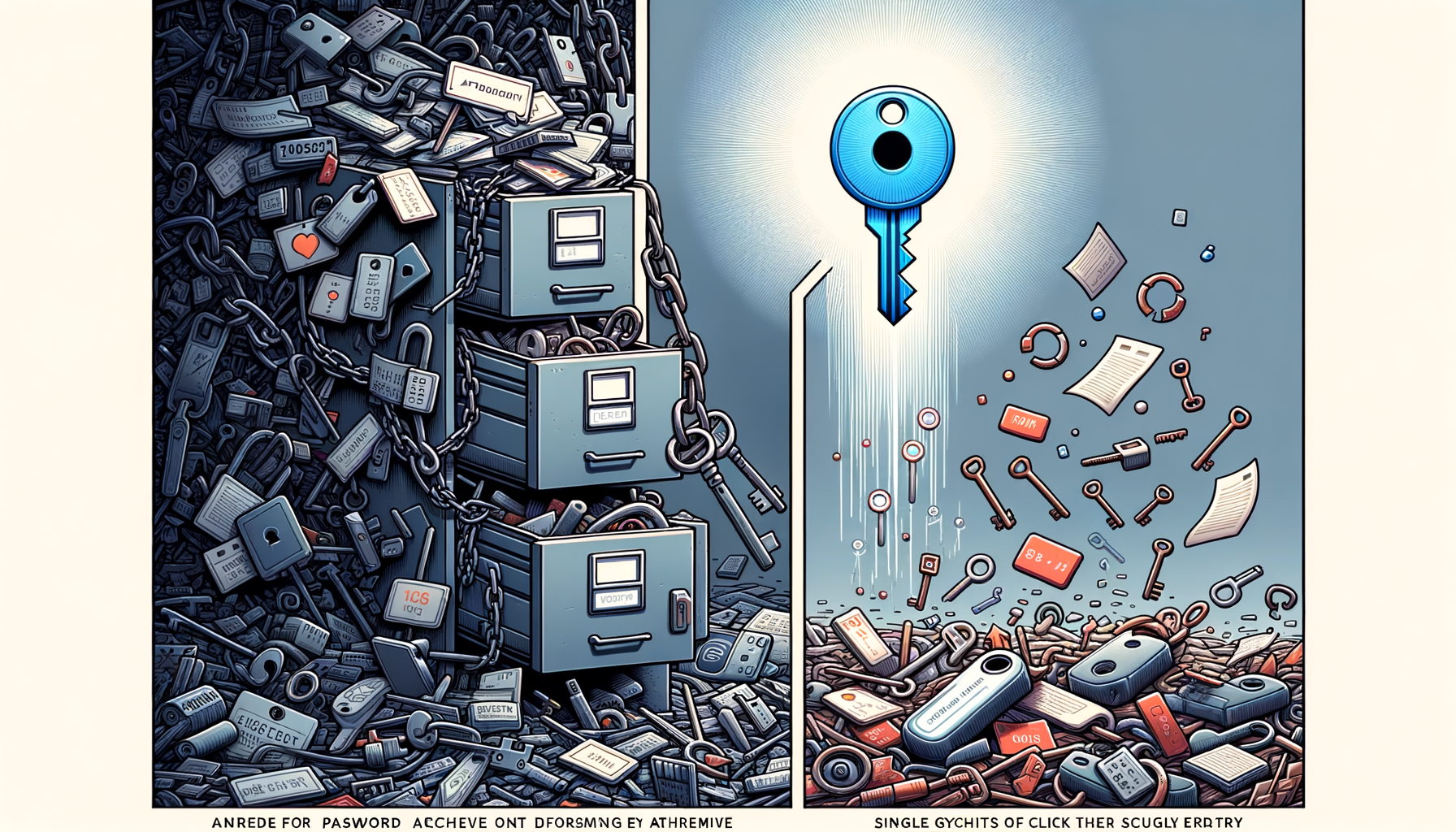
Nothing to breach. The most common attack vector for SaaS platforms is the password database. If you don’t have one, that entire category of attack doesn’t apply. We can’t leak passwords because we don’t store them.
Tokens expire. Every magic link token is single-use and time-limited. Click it once, it’s consumed. Wait too long, it’s expired. There’s no persistent credential sitting in a database waiting to be discovered.
Scoped access. Magic link tokens are scoped to a specific organisation and resource context. A token generated for Organisation A cannot be used to access Organisation B, even if both belong to the same user.
Every API call validates. This is the part most people miss. It’s not just the login that uses the magic link token. Every subsequent API call validates the active session against the server-side session store. There are no JWT tokens stored client-side. No session cookies with sensitive data. The client holds a session identifier; the server holds the truth.
What’s coming next
Security is ongoing. The audit was a milestone, not a finish line. Here’s what we’re building next:
Rate limiting on public endpoints. Currently in development. Every public-facing endpoint will enforce request limits to prevent brute-force attacks and abuse.
Server-side entitlement enforcement. Plan-level feature gates are currently enforced in the UI. We’re adding server-side enforcement so that even if someone manipulates the client, edge functions will reject requests that exceed their plan’s entitlements.
Trusted device system. The specification is locked and ready for implementation. Returning users on recognised devices will authenticate via PIN or biometric confirmation instead of a fresh magic link. Device limits will vary by plan tier.
Honesty about where we stand
We’re not going to tell you Airflow is impenetrable. No software is. What we can tell you is that we’ve systematically reviewed every line of code that touches user data, authentication, or access control — and we’ve resolved every issue we found.
Security isn’t a checkbox. It’s a practice. The 27-point audit gives us a clean baseline, and every feature we ship from here forward goes through the same scrutiny.
Your booking data, your revenue numbers, your guest information, your team’s access — all of it matters. We treat it that way.
Ready to see what secure booking middleware looks like in practice? Start your free trial or see how it works.